Single messages and lists
Send to one recipient or a selected contact list from the portal.
Denne siden finnes også på norsk.

SMS communication
Send alerts, reminders and practical information to one recipient or an entire contact list through the portal or API.
Send to one recipient or a selected contact list from the portal.
Import existing contact lists from Excel, or create new lists in the portal.
Prepare time-specific information and reminders in advance.
Practical overview
A reminder, operational notice or important change should be easy to understand. SMS is useful when the message is short, timing matters and the recipient should not need to open an app to know what is happening.
Send a single message or use a prepared contact list. Scheduling allows the work to be completed in advance. If recipients need to reply, the sender and receiving arrangement must be selected for that purpose. We can help clarify which available setup is appropriate.
Workflow
Four controlled steps are enough to get started.
The account is free to create. Buy a prepaid credit package when you are ready to send.
Check number formats, remove outdated entries and only use contact details for a valid purpose.
Say who is sending and what the recipient needs to know. Check length, timing and any links.
Send immediately or choose a later time. Follow up replies through the arrangement selected for the campaign.
In practice
Choose the channel according to the importance of the information and the recipient’s expectation.
Remind people about an appointment, booking, attendance or deadline with the essential details.
Tell affected recipients about a change or disruption in direct language.
Share time-sensitive updates with agreed groups and link onwards when more detail is required.
Specific needs
Two focused guides explain browser-based delivery and reminders through the portal or API.
Prepare contact lists, wording and timing directly in the browser.
See the portal workflow →Schedule manually or let a documented system event trigger the message.
See the reminder workflow →Read next
Explore the choices that matter before the next delivery.
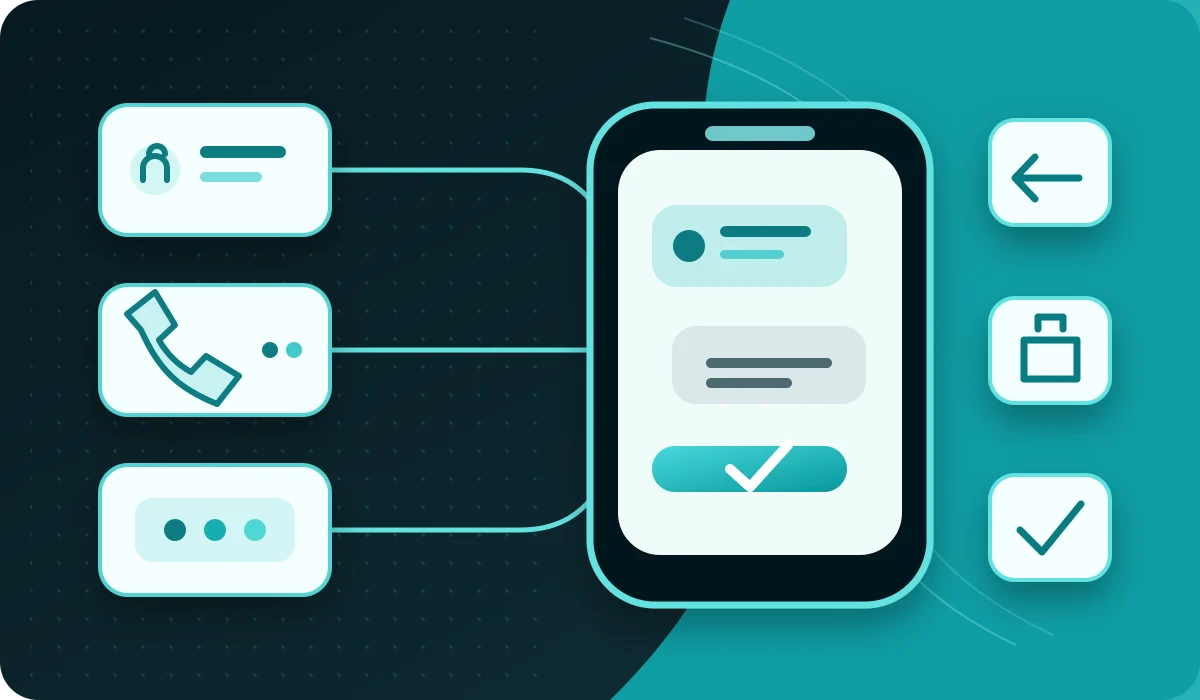
Understand sender names, reply-capable numbers and short codes, and choose an SMS setup suited to the purpose, country and need for replies.
Read: SMS sender identity for business: names, numbers and reply options
See how SMS can support reminders, operational updates, confirmations, access and agreed campaigns.
Read: SMS use cases beyond marketing
A practical checklist for purpose, recipients, sender details, content, timing and follow-up.
Read: Sending business SMS: what needs to be in place
Use SMS for practical event information, reminders and changes without creating unnecessary noise.
Read: SMS for eventsGet started
Create an account for free and use the portal or API. Buy SMS credits when you are ready to send — with no monthly platform fee or lock-in.