OAuth 2.0
Use the current documentation to authenticate the integration and manage access.
Denne siden finnes også på norsk.

SMS API
Connect SMS to your own systems using the REST API and OAuth 2.0. API access is included with every account.
Use the current documentation to authenticate the integration and manage access.
Connect SMS to events and workflows in your own system.
Every account includes API access and open developer documentation.
Practical overview
The API is for SMS that forms part of an existing process: an order is created, an appointment approaches or an agreed system event needs a concise alert. Your integration retains the business logic and uses Intellipush for the SMS flow.
First decide which events should trigger a message, what data the message needs and how consent or another lawful basis is documented. Also decide how the system should react when a request is rejected or cannot be completed. The current API documentation is always authoritative for endpoints, fields and responses.
Before production use, give the whole path a clear owner. Decide who may change message wording, who responds to technical failures and how delivery can be stopped if an event or recipient list proves incorrect. These decisions make the integration easier to operate over time.
Workflow
Build it in clear layers and test the whole path before production use.
Describe when SMS should be sent, who owns the wording and what happens when delivery cannot be initiated.
Use OAuth 2.0 as currently documented. Keep access details out of source code and restrict who can use them.
Normalise recipient numbers, check required fields and avoid sending more personal data than the message requires.
Distinguish accepted requests from errors. Log technical references that support diagnosis, but not message content without a documented need.
Use your own test recipients, low volumes and representative failures. Check that retries cannot create unintended duplicate messages.
REST API
Always implement endpoints, fields and responses from the current API documentation. If you need to clarify solution design or expected volume, we can review the technical approach with you.
Sending higher SMS volumes? Monthly invoicing based on actual usage can be arranged.Discuss invoicing with us →
POST /restv2/sms/create
Authorization: Bearer <access_token>
Content-Type: application/json

{
  "message": "Your appointment is confirmed.",
  "countrycode": "+47",
  "phonenumber": "12345678"
}
In practice
The integration is most useful when each message follows a known event.
Let a confirmed action in your system trigger relevant information or a reminder.
Send one-time codes where SMS is an appropriate part of the overall security design.
Deliver concise alerts to the right recipients, with clear rules for frequency and escalation.
Read next
Explore the choices that matter before the next delivery.
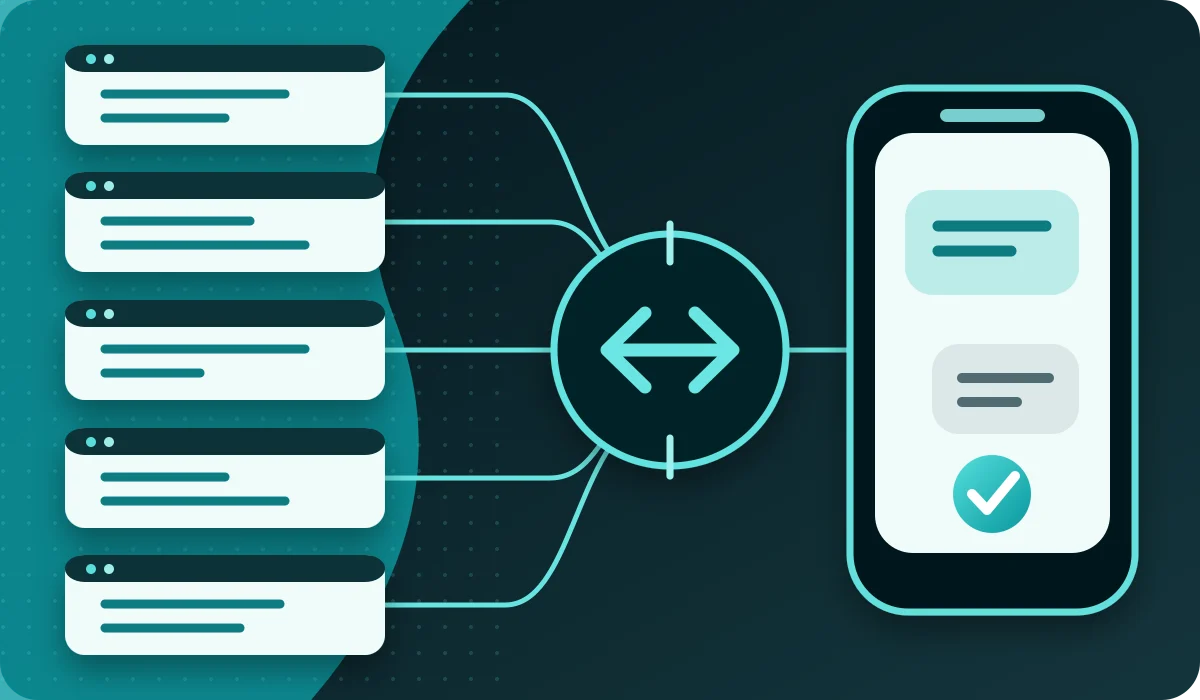
Canonical examples for OAuth 2.0 and one controlled SMS using the Intellipush REST API in five common development languages.
Read: SMS API examples: send your first message with cURL, PHP, Python, Node.js and C#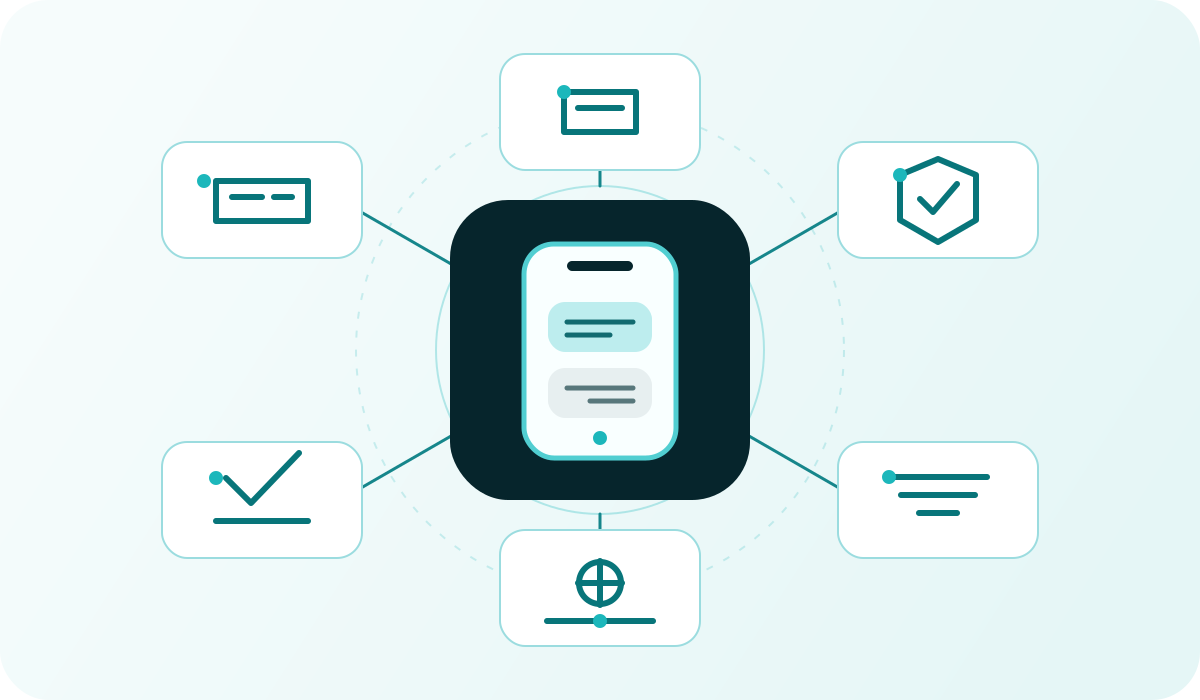
A practical checklist for assessing workflows, APIs, privacy, cost, support and migration before choosing a business SMS solution.
Read: How to choose an SMS provider: an enterprise buyer’s guide
A simple explanation of APIs, endpoints, authentication and how SMS can be added to other systems.
Read: What is an API?
How an SMS gateway connects your system to mobile networks and handles sending and delivery status.
Read: What is an SMS gateway?
A practical method for understanding the problem before choosing a feature, channel or technical solution.
Read: How to build solutions for real needsGet started
Create an account for free and use the portal or API. Buy SMS credits when you are ready to send — with no monthly platform fee or lock-in.